Build Beautiful Emails. Without Code.
Drag, drop, and design stunning email templates in minutes. Export clean HTML ready for any email platform.
Featured on Unikorn
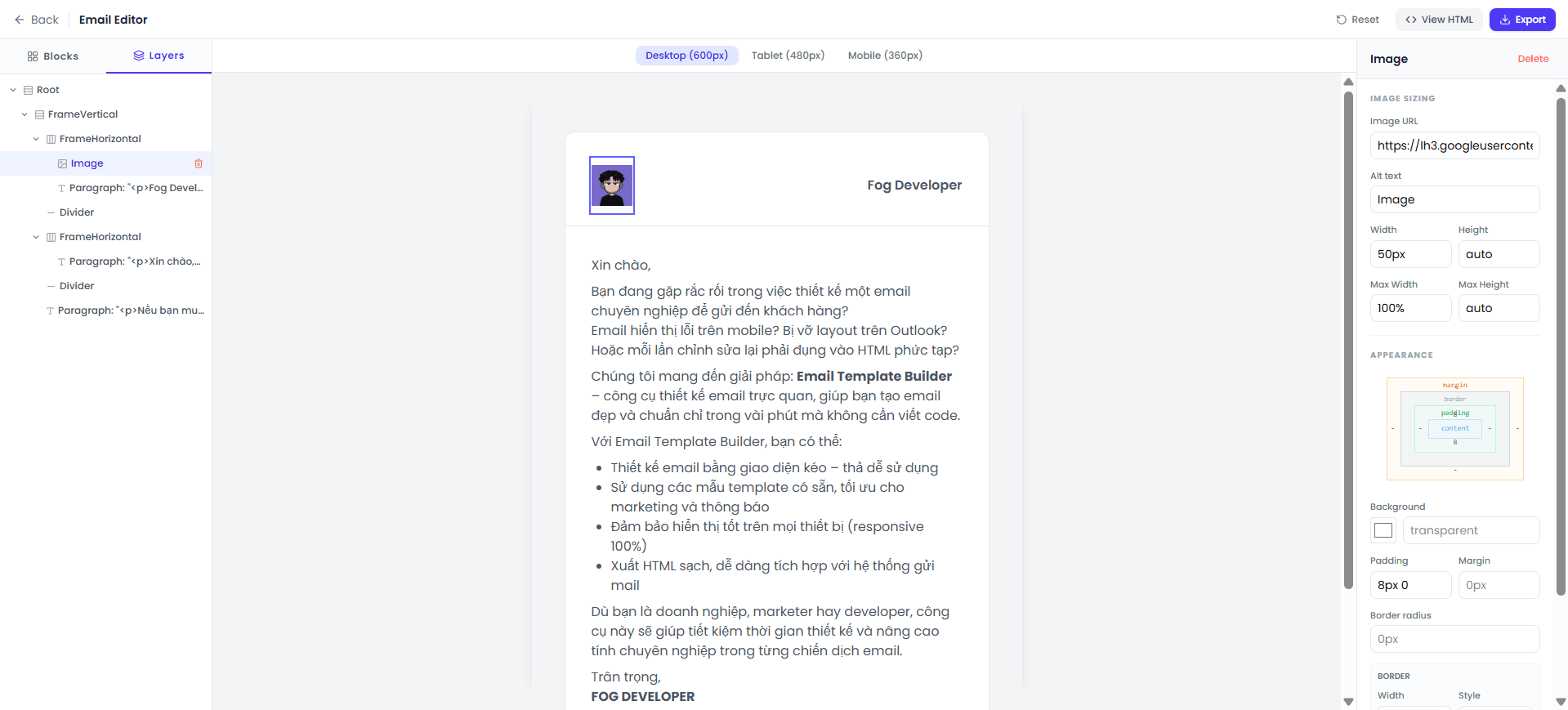
Everything You Need to Build Great Emails
A powerful yet simple toolkit that gives you complete creative control over your email designs.
Drag & Drop
Simply drag text, images, buttons and more from the sidebar and drop them onto your canvas. See changes instantly.
Rich Text Editor
Double-click any text to edit. Bold, italic, colors, alignment, links — everything works like a word processor.
Custom Styling
Full control over spacing, borders, border-radius, fonts, and colors. Fine-tune every pixel of your design.
Advanced Layouts
Create multi-column layouts with horizontal blocks. Build 2 or 3 column grids for professional email designs.
Multi-select Editing
Hold Shift or Ctrl to select multiple elements. Change colors, fonts, or spacing for all of them at once.
Export Clean HTML
One click to export a production-ready HTML file. Or copy the code directly into Mailchimp, SendGrid, or Brevo.
Three Steps to Beautiful Emails
No learning curve. No technical skills. Just pure creativity.
Start Fresh
Open the editor and hit Reset to start with a clean canvas, or begin from a default template.
Drag, Drop & Edit
Drag blocks like text, images, and buttons onto your canvas. Double-click to edit content inline.
Export & Send
Preview your design, then export as HTML or copy the code directly into your email platform.
See What You Can Create
A full-featured visual editor that produces clean, responsive HTML email templates.
Ready to Build Your
First Email Template?
Start designing professional email templates in minutes. No sign-up, no credit card, no limits.
Start Building Now